

How To: Find all HTML Comments on a Website
A quick guide to finding all the hidden HTML comments on a website
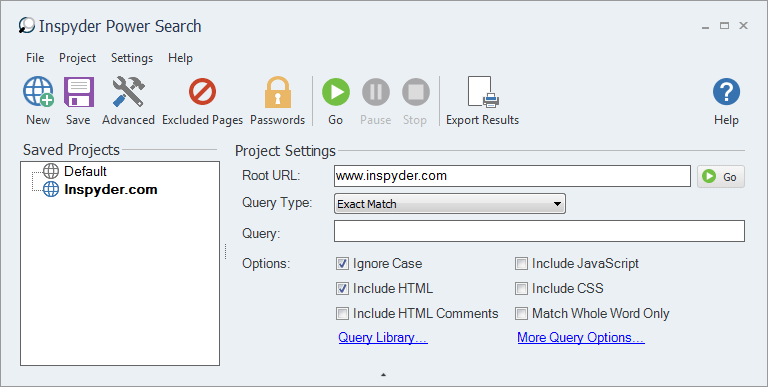
Step 1: Enter your Root URL
Run Power Search and enter the URL of the website you want to work on. For this example, we’ll use ‘www.inspyder.com‘.
Step 2: Open the Query Library
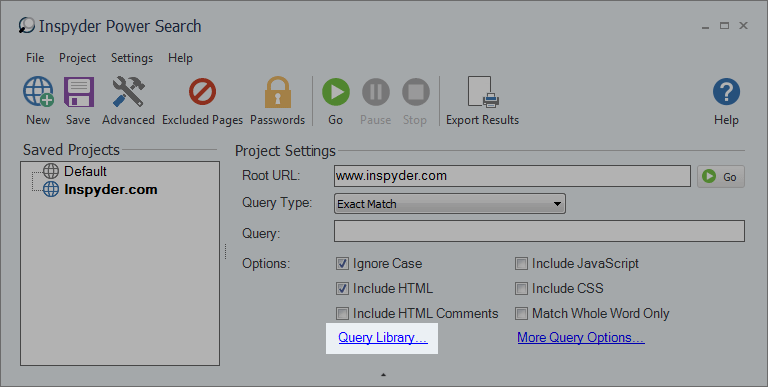
Power Search has a number of pre-configured Queries stored in the Query Library. Open the Query Library browser by clicking the blue “Query Library…” link in Power Search.
Step 3: Select the HTML Comments Query
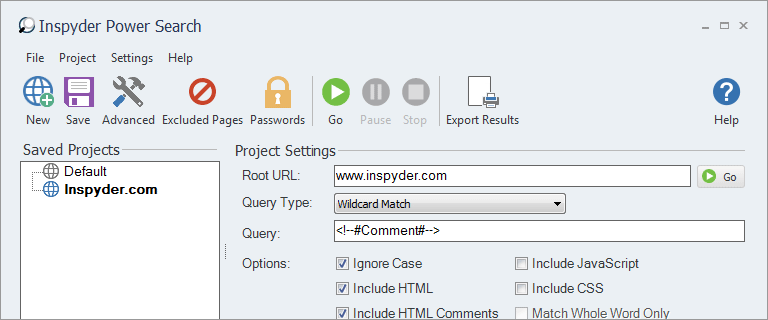
In the Query Library window, find the Query named “HTML Comments“. Highlight this query by clicking on it. Then click the “Select” button at the bottom right hand corner of the Query Library window. This will preconfigure Power Search with all the necessary settings. (The “Query” field should now contain “” (without quotes) and the “Wildcard Match” Query Type should be selected.
Step 4: Click Go!
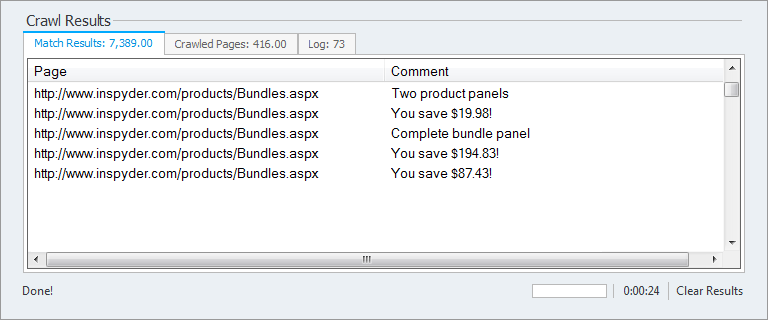
Click the “Go” button to start the crawl. Power Search will go through each page on the site and capture any HTML comments on the website. You can stop the crawl at any time by clicking the red “Stop” button. When the crawl is completed you can export the results by clicking “Project > Export Results…” from the main menu.
Minimum Requirements
- Windows XP SP2 or Higher
- 32-bit and 64-bit supported
- 1GB RAM
- 1GB of available hard disk space